
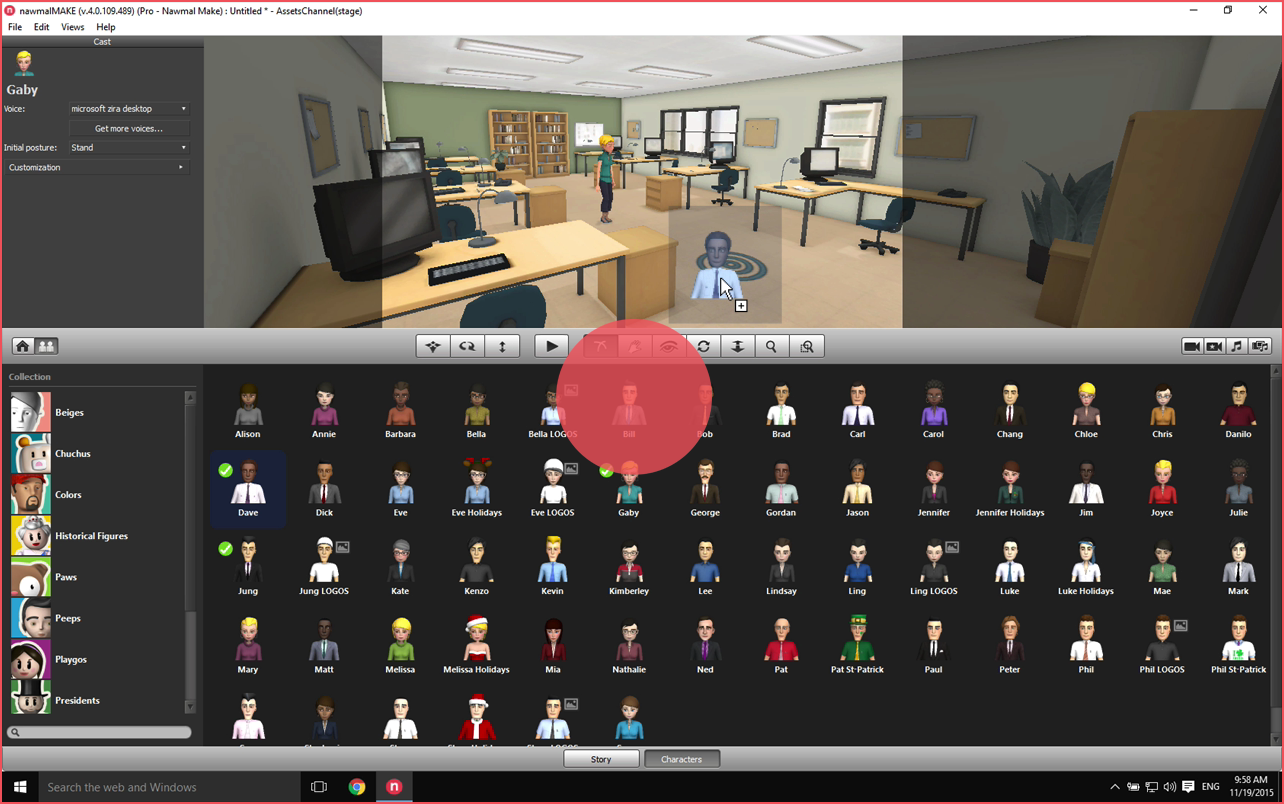
Getting started
How to make your first movie:
once you've installed nawmalMAKE, this videos shows how to log in, and make a movie.
Choose your set;
Choose your actors;
Type the dialogue;
Press "play".
You've made a movie!

Project files
An introduction to project files, including:
How to create a new project;
Open a recent project;
Open a saved project.

Positioning characters in a scene
Shows how to add and position characters within a scene:
How to place the actors;
How to reposition them in the scene;
How to place them so they are in the right positions for the automated camera cuts.

Navigating the 3D view in nawmalMAKE
nawmalMAKE allows you to move around in the 3D scene.
This video shows how to change the 3D view; which is actually moving a camera in the scene.
The video demonstrates each of the controls to position the camera and change the framing.

Introduction to using the cameras in nawmalMAKE
This video shows how to use the cameras and smart cameras; update the camera positions and add your own camera positions.

Creating camera moves in nawmalMAKE
Give your moves the professional touch by adding a camera move. This video will give you all you need to know to get started.
Best results are achieved if the text you enter in the text block matches the recorded voice performance.